Project artifacts
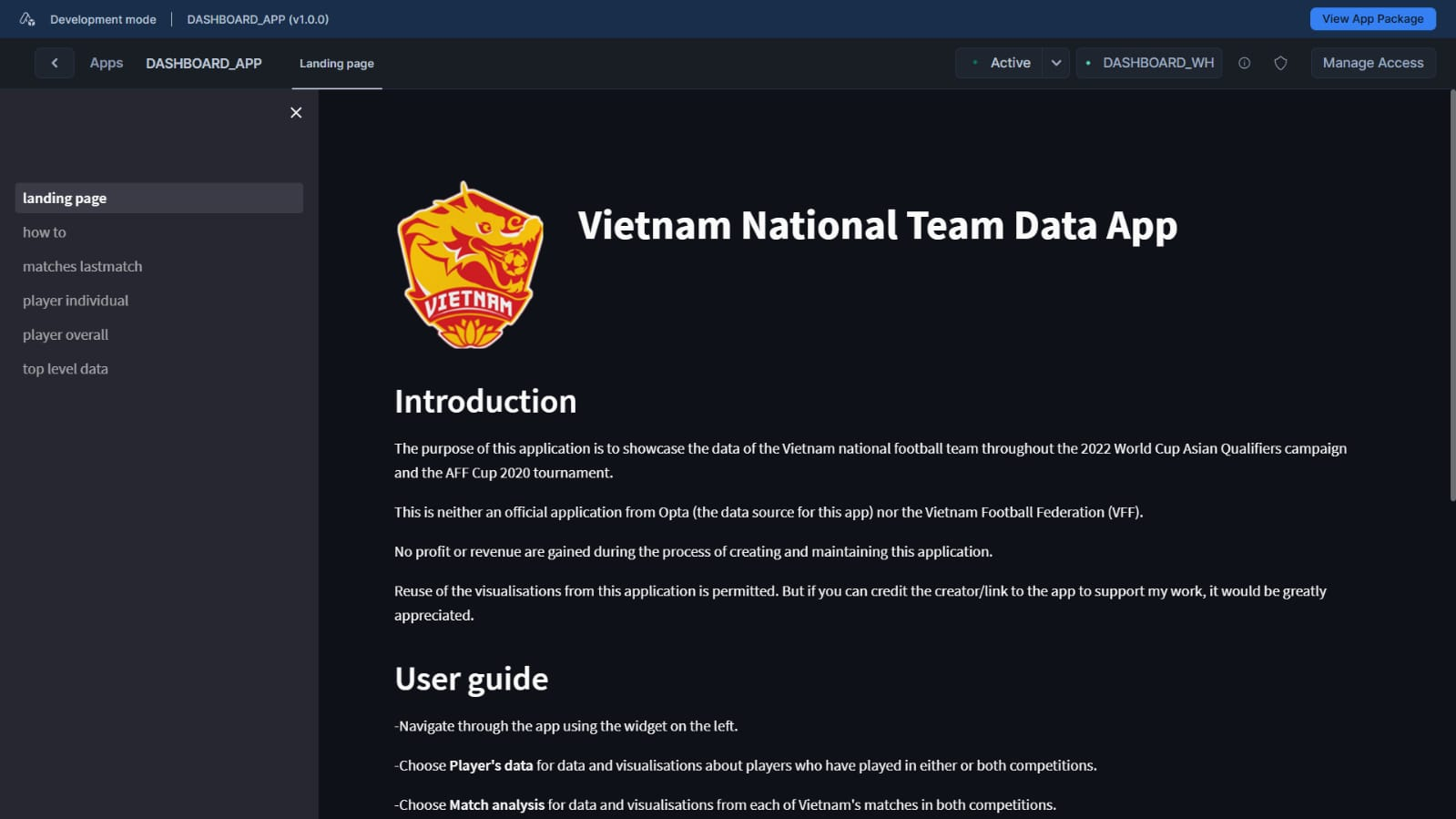
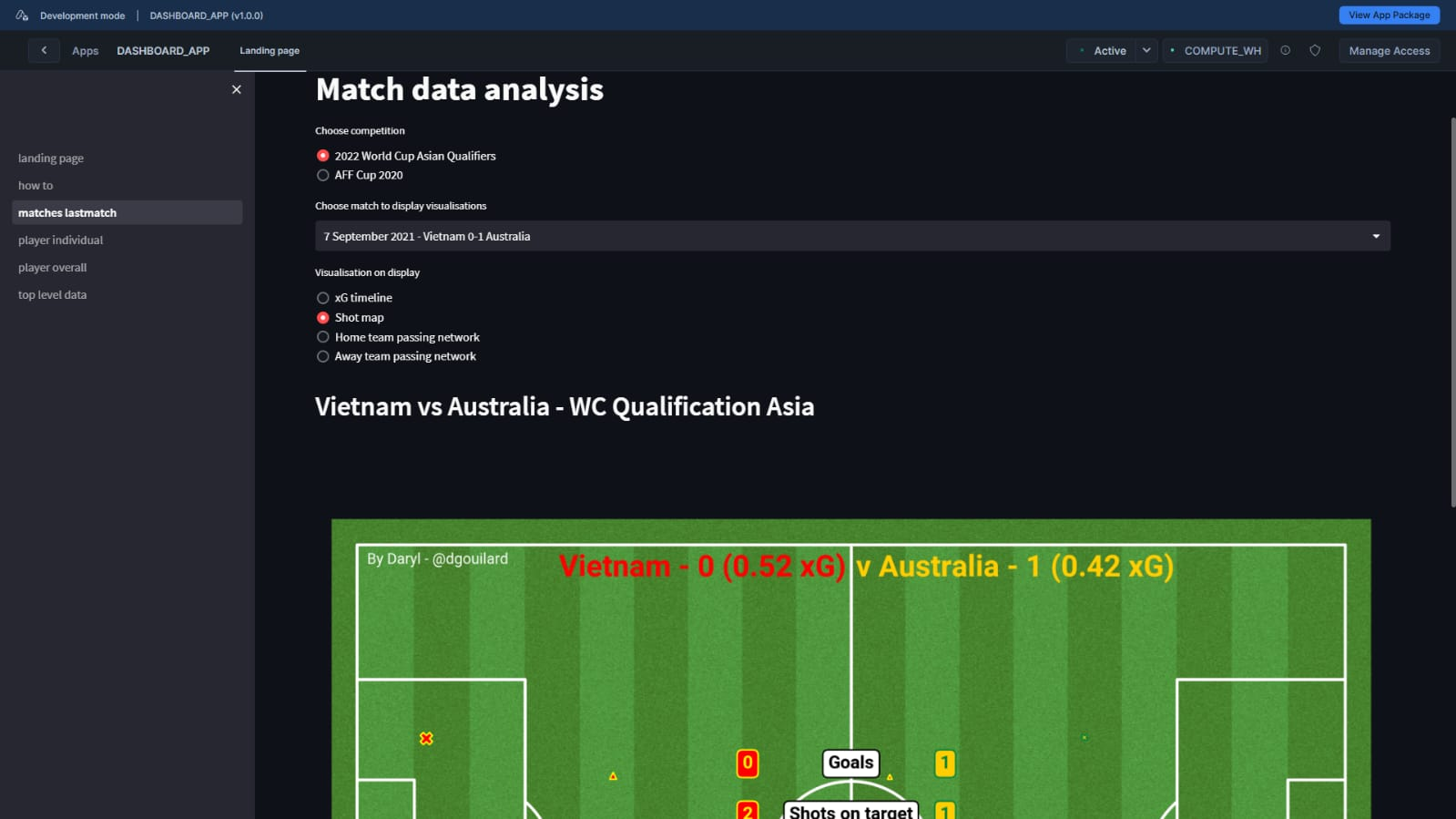
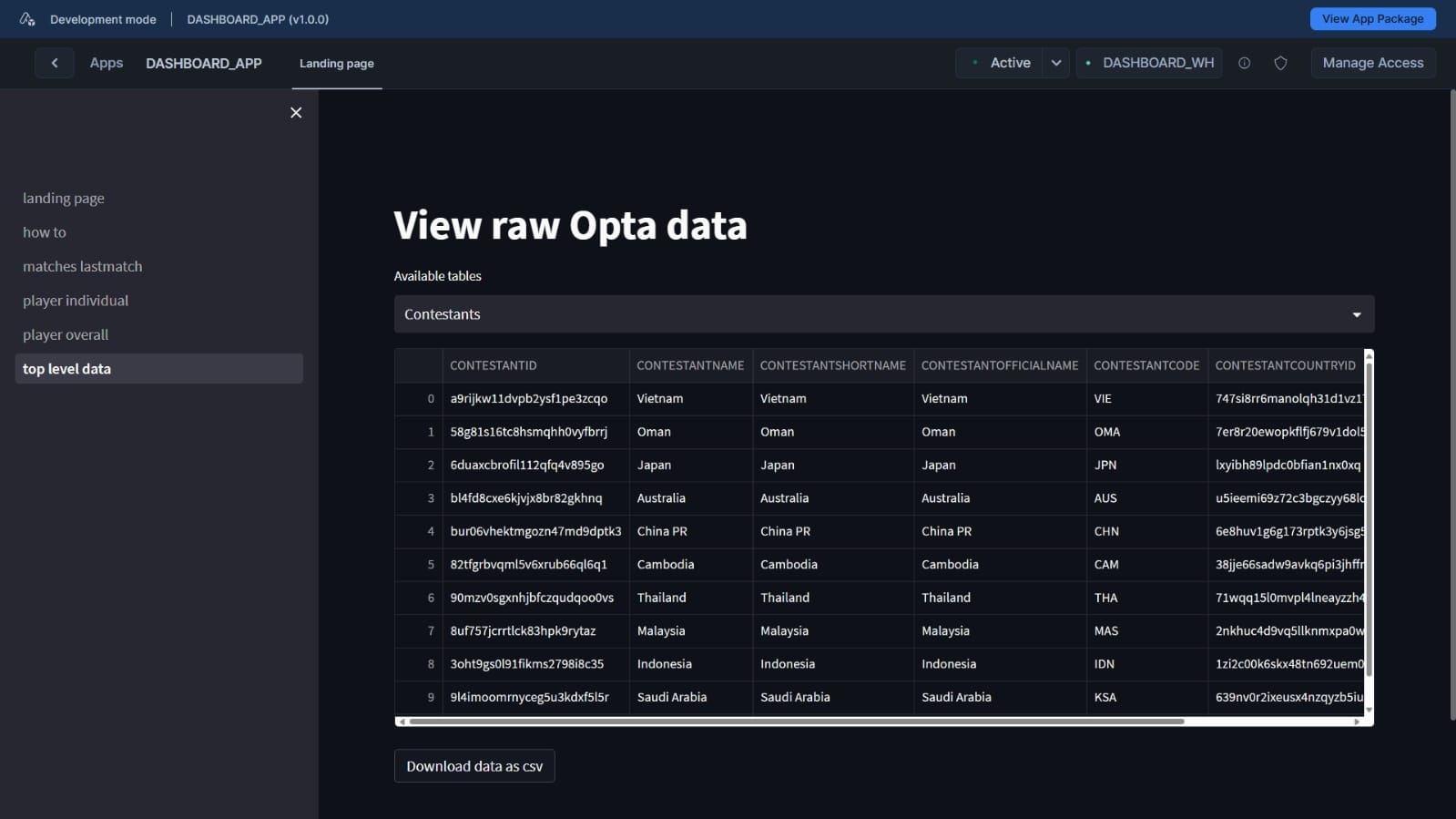
Project intro
Having come off of the week-long 2025 Snowflake Discover event feeling inspired with new ideas, I also found myself unable to resist the urge to get back into creating Streamlit dashboard having seen the great work that Ben Griffis has done. Combining the feeling of being inspired, an irresistible urge, a Snowflake trial account, and a 3-year-old Streamlit dashboard, and I had a new idea for myself to work on during February of 2025, and that was integrating the Vietnam National Team data dashboard into Snowflake!
The Vietnam data dashboard is not something new that I worked on throughout this project. In fact, it is currently listed as one of my football analytics projects right on this portfolio. Because of that, I will not go through the creation story of that dashboard again, but rather will focus on the why and how of me integrating this dashboard into Snowflake.
Having talked with a few people who have worked in football and through my experience as a data scientist, I realised the need for an automated pipeline to help saving time for data engineers and data scientists, which will allow them to focus on different projects and tasks. As such, the initial idea for this project was to establish and mimic an actual pipeline going from raw Opta data to a completed Streamlit dashboard that uses cleaned-up data to create visualisations.
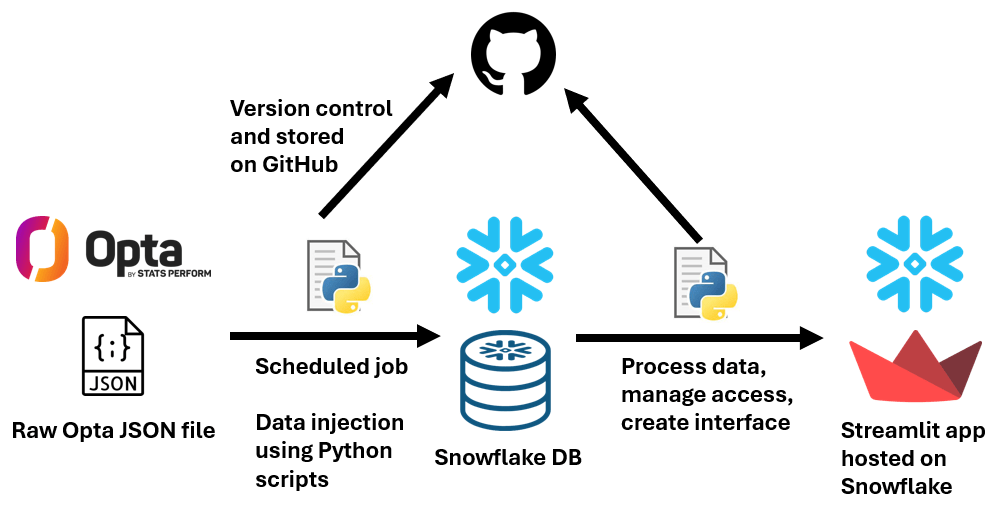
The main advantages of having a Streamlit app hosted in Snowflake, compared to hosting the same app on Streamlit Cloud, are:
- Accessing structured, cleaned data that have been injected into Snowflake, instead of packaging unstructured or semi-structured data with the app.
- Ease of access to the injected data thanks to Snowflake’s seamless integration into Visual Studio Code.
- Ability to manage access from within an organisation through Snowflake’s permission levels, instead of sharing links and having unwanted people accessing the app.
These advantages are obviously more targeted to football clubs or organisations where the need for private dashboard is more prevalent compared to the public football analytics community. As such, the use case for Snowflake here is creating multiple dashboards that serve different purposes and access the same database, but use different data from different schemas/tables. When creating a public dashboard, Streamlit Cloud is sufficient for the job.
Project progress
At the time of writing, the dashboard is successfully deployed onto Snowflake (as seen in the demo video above) and is currently working. The process of deploying the dashboard from my Github Codespace onto Snowflake was made a lot easier thanks to Snowflake’s extension on Visual Studio Code. Furthermore, all scripts used for the dashboard are stored, hosted, and made available through my Github repository below. Snowflake also assisted in creating app packages for the app, which can then be distributed to relevant users from within an organisation for them to install the app on their Snowflake account and use the app.
Even though the front-end of both apps do not look too different to each other, the back-end has changed quite significantly. With more programming experience under my belt, I went back to the original code and did a lot of refactoring to make the code more readable and less of a mess, which includes copying repeatable sections of code into multiple functions that can be used, creating more utility functions for smaller, repeated tasks, and reorganising the structure of the repository.
Another setback that I experienced was the inability to inject Opta events data into Snowflake due to the complexity of the files. I entered this project with no clear database plan for the schema and tables that I wanted to create, and had to resort to creating tables on the fly based on the info given in the JSON files. This severely limited Snowflake’s ability of handling Opta data, and the raw JSON files had to be packaged along with the app in order for it to create visualisations.
Project recap
The project was definitely a learning curve for me, especially when it came to handling and establishing that connection between Snowflake and my existing dashboard. I only knew Snowflake as a data warehousing platform, but the Snowflake Discover event taught me that it has more capabilities than I first thought. While this project utilised some more features, I felt that I did not utilise most of what Snowflake can do due to the limited time that I had to prepare this. But, in the end, it was still an enjoyable challenge and I came away learning a whole lot.
Lastly, because the dashboard is currently hosted on my personal Snowflake account, it will unfortunately cease to exist after my trial account finishes. That is the reason why I recorded the demo video as an artifact for when the dashboard is eventually gone, but this dashboard is not too different to the previous dashboard that I made, which you can still access it here.
View the code repository here!
 Daryl Dao